




- My Forums
- Tiger Rant
- LSU Recruiting
- SEC Rant
- Saints Talk
- Pelicans Talk
- More Sports Board
- Fantasy Sports
- Golf Board
- Soccer Board
- O-T Lounge
- Tech Board
- Home/Garden Board
- Outdoor Board
- Health/Fitness Board
- Movie/TV Board
- Book Board
- Music Board
- Political Talk
- Money Talk
- Fark Board
- Gaming Board
- Travel Board
- Food/Drink Board
- Ticket Exchange
- TD Help Board
Customize My Forums- View All Forums
- Show Left Links
- Topic Sort Options
- Trending Topics
- Recent Topics
- Active Topics
Started By
Message
PC says unsupported uefi and legacy mode. Looking to upgrade to Windows 11. Any insight?
Posted on 9/22/25 at 9:03 pm


Posted on 9/22/25 at 9:03 pm
New motherboard but original SSD has Windows 10
After some reading I should be able to install a fresh windows 11 on another SSD I have installed? Then once done I can alter the boot menu and uninstall the Windows 10 from other SSD somehow?
Need assistance to think this through
After some reading I should be able to install a fresh windows 11 on another SSD I have installed? Then once done I can alter the boot menu and uninstall the Windows 10 from other SSD somehow?
Need assistance to think this through
This post was edited on 9/22/25 at 10:00 pm
 3
3


Posted on 9/22/25 at 11:02 pm to HailToTheChiz
The "unsupported uefi and legacy mode" message is likely occurring because your existing Windows 10 installation was set up in the older, legacy BIOS mode, while your new motherboard's more secure settings (required for Windows 11) are set to use the modern UEFI mode.
Here is a step-by-step guide to get Windows 11 running on the new SSD and then safely remove your old Windows 10 installation.
Phase 1: Prepare for Windows 11 installation
Back up your important data. Before you begin, copy all critical personal files from your old Windows 10 SSD to an external drive. While your old SSD will remain untouched, having a backup is the safest practice.
Disconnect the old SSD. This is a crucial, optional step to prevent the Windows 11 installer from accidentally modifying your Windows 10 drive. Unplug the SATA data cable from your old Windows 10 SSD.
Create a Windows 11 installation drive. On another computer, download the official Windows 11 Media Creation Tool from Microsoft and use it to create a bootable USB flash drive (at least 8GB).
Check your BIOS settings.
Restart your PC and enter your motherboard's BIOS/UEFI settings. The key to do this is often Del, F2, or F12 (it will flash on the screen during boot).
Find the Secure Boot setting and ensure it is enabled.
Find the CSM (Compatibility Support Module) or Legacy Mode setting and make sure it is disabled.
Save your changes and exit the BIOS.
Phase 2: Install Windows 11 on the new SSD
Boot from the USB drive. Restart your computer with the Windows 11 installation USB plugged in. If your PC doesn't automatically boot from the USB, you may need to press a special key (like F12 or F8) to access the boot menu and select the USB drive. Be sure to select the option that says "UEFI" in its name.
Follow the installation wizard.
When the installer asks, select Custom: Install Windows only (advanced).
Choose your new, blank SSD as the installation destination. If the drive is unallocated, simply select it and click "Next." The installer will automatically create the necessary UEFI partitions.
Complete the rest of the Windows 11 setup.
Phase 3: Remove Windows 10 and finalize your setup
Connect the old SSD again. Once you've completed the Windows 11 setup, shut down your PC, and plug your old Windows 10 SSD back in.
Change the boot order. Restart your PC and enter the BIOS again. Navigate to the boot options and change the boot order so that the new Windows 11 SSD is the first boot device.
Boot into Windows 11. Your PC will now start up using your new Windows 11 installation. The old SSD will appear as a separate drive (e.g., the D: drive) in File Explorer.
Copy your files. Transfer any personal files you need from your old Windows 10 drive to your new Windows 11 drive.
Format the old SSD. To free up all the space, format the old Windows 10 SSD.
Open Disk Management. You can search for it in the Start Menu. Right-click on the partition for your old Windows 10 installation and select Format. You can then choose to merge any remaining partitions on that disk or leave them as they are.
Here is a step-by-step guide to get Windows 11 running on the new SSD and then safely remove your old Windows 10 installation.
Phase 1: Prepare for Windows 11 installation
Back up your important data. Before you begin, copy all critical personal files from your old Windows 10 SSD to an external drive. While your old SSD will remain untouched, having a backup is the safest practice.
Disconnect the old SSD. This is a crucial, optional step to prevent the Windows 11 installer from accidentally modifying your Windows 10 drive. Unplug the SATA data cable from your old Windows 10 SSD.
Create a Windows 11 installation drive. On another computer, download the official Windows 11 Media Creation Tool from Microsoft and use it to create a bootable USB flash drive (at least 8GB).
Check your BIOS settings.
Restart your PC and enter your motherboard's BIOS/UEFI settings. The key to do this is often Del, F2, or F12 (it will flash on the screen during boot).
Find the Secure Boot setting and ensure it is enabled.
Find the CSM (Compatibility Support Module) or Legacy Mode setting and make sure it is disabled.
Save your changes and exit the BIOS.
Phase 2: Install Windows 11 on the new SSD
Boot from the USB drive. Restart your computer with the Windows 11 installation USB plugged in. If your PC doesn't automatically boot from the USB, you may need to press a special key (like F12 or F8) to access the boot menu and select the USB drive. Be sure to select the option that says "UEFI" in its name.
Follow the installation wizard.
When the installer asks, select Custom: Install Windows only (advanced).
Choose your new, blank SSD as the installation destination. If the drive is unallocated, simply select it and click "Next." The installer will automatically create the necessary UEFI partitions.
Complete the rest of the Windows 11 setup.
Phase 3: Remove Windows 10 and finalize your setup
Connect the old SSD again. Once you've completed the Windows 11 setup, shut down your PC, and plug your old Windows 10 SSD back in.
Change the boot order. Restart your PC and enter the BIOS again. Navigate to the boot options and change the boot order so that the new Windows 11 SSD is the first boot device.
Boot into Windows 11. Your PC will now start up using your new Windows 11 installation. The old SSD will appear as a separate drive (e.g., the D: drive) in File Explorer.
Copy your files. Transfer any personal files you need from your old Windows 10 drive to your new Windows 11 drive.
Format the old SSD. To free up all the space, format the old Windows 10 SSD.
Open Disk Management. You can search for it in the Start Menu. Right-click on the partition for your old Windows 10 installation and select Format. You can then choose to merge any remaining partitions on that disk or leave them as they are.

Posted on 9/23/25 at 6:08 am to HailToTheChiz
It sucks but you have to grade to 11. You can do Roboto's hack and install it, but you won't be able to update it and get security fixes as they come out. . So unless you want to run it down the road subject to exploits, you're in a 10,000 mile long list of people that fvcking MickeySoft has screwed over, including me. I bit the bullet for 6 new Windows boxes at my office.
ETA: We had long thread here confirming this a few months back.
ETA: We had long thread here confirming this a few months back.
This post was edited on 9/23/25 at 6:13 am
Posted on 9/23/25 at 7:04 am to TigerGman
I like roboto method. This is a custom PC. I have two or three hard drives in it.
Sounds like I just need to clean and reformat my other SSD to be the new Windows 11 OS and follow those steps
Sounds like I just need to clean and reformat my other SSD to be the new Windows 11 OS and follow those steps


Posted on 9/23/25 at 8:05 am to HailToTheChiz
does your CPU support SSE4.2+? If not, dont even waste time on Win11. If it does support SSE4.2+ then you have tons of options.
Posted on 9/23/25 at 11:30 am to notsince98
quote:
does your CPU support SSE4.2+? If not, dont even waste time on Win11. If it does support SSE4.2+ then you have tons of options.
Yeah. My processor is amd ryzen 7 7800x3d
Posted on 9/23/25 at 11:49 am to HailToTheChiz
quote:
I like roboto method
Well, hope you don't get hacked
Posted on 9/23/25 at 1:30 pm to TigerGman
Wait what? 
What am I missing? I buy a license and put it on a bootable
What am I missing? I buy a license and put it on a bootable
Posted on 9/23/25 at 1:35 pm to HailToTheChiz
quote:
Wait what?
What am I missing? I buy a license and put it on a bootable
Oh I gotcha. So you will get updates that way?


Posted on 9/23/25 at 1:38 pm to HailToTheChiz
quote:
Wait what?
What am I missing? I buy a license and put it on a bootable
TigerGman is kinda slow when it comes to Windows devices, so ignore him


Posted on 9/23/25 at 1:49 pm to TigerGman
quote:
It sucks but you have to grade to 11. You can do Roboto's hack and install it, but you won't be able to update it and get security fixes as they come out. . So unless you want to run it down the road subject to exploits, you're in a 10,000 mile long list of people that fvcking MickeySoft has screwed over, including me. I bit the bullet for 6 new Windows boxes at my office.
ETA: We had long thread here confirming this a few months back.
He is upgrading to 11? If he's running a new motherboard, I have a hard time believing it wouldn't have the secure boot capability that trips up most older machines. What are you suggesting he upgrade, exactly?
Posted on 9/23/25 at 2:10 pm to TigerGman
quote:
Oh I gotcha. So you will get updates that way
Will I not get updates from Microsoft through Windows updates?
Posted on 9/23/25 at 2:11 pm to Joshjrn
New mobo and processor within the past year so I should be good on secure boot. Old ssd with the windows 10 OS just says unsupported still
Posted on 9/23/25 at 4:07 pm to bluebarracuda
quote:
TigerGman is kinda slow when it comes to Windows devices, so ignore him
Heh no doubt. More like innately resistant from decades of negative reinforcement. I can pretty much guarantee I was struggling with their crappy software before most of you were an itch in your old man's blue balls nut sack.
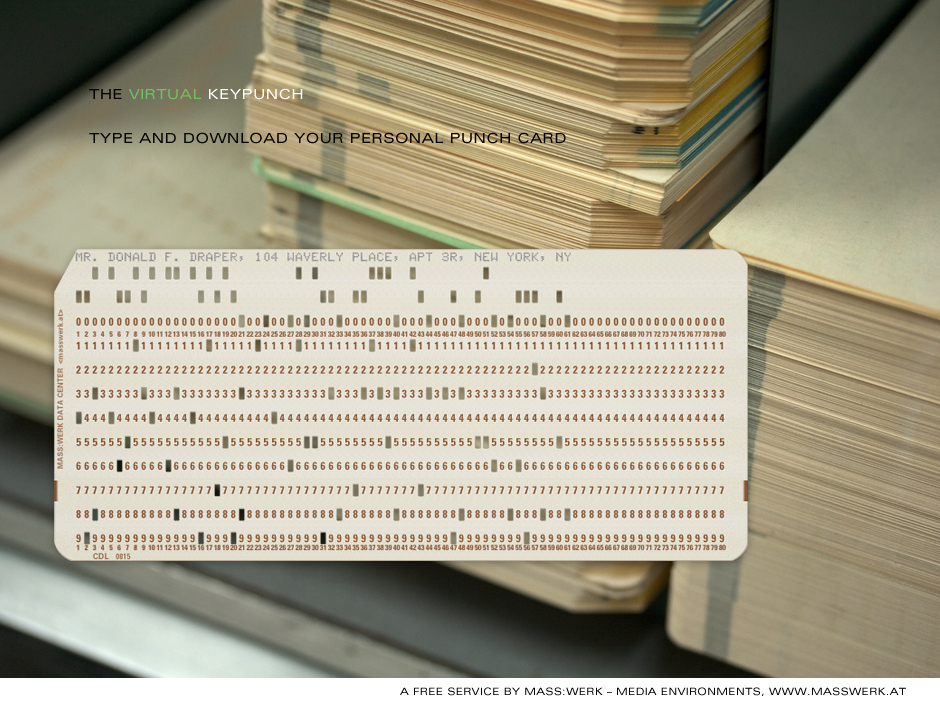
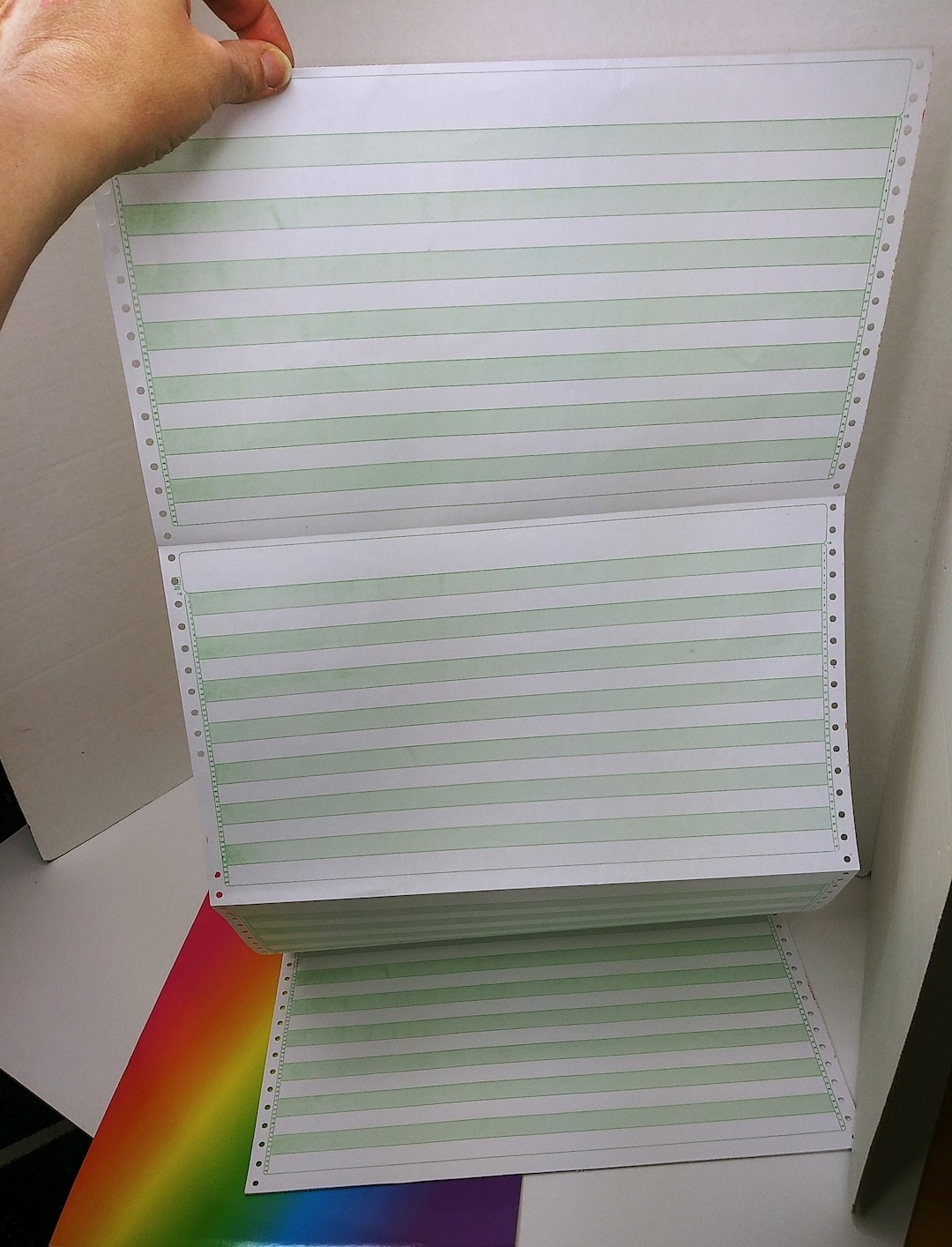
I go back to before there even was a Windows, I was learning to code back then and typing huge stacks of keypunch cards to run the line by line code to to do shite like make Snoopy drawings on old style computer printer paper.
I was in college when IBM introduced the first PC. Microsoft DOS ( disk operating system), And it worked pretty well.
But Windows was a total fiasco when it first came out, and for years and years after introduction. I'm surprised I have any hair left. And trust me, everyone who dealt with it felt the same way. Heh, I even had a Sexretary that was a great typist constantly bitch me out for making her slow way down with her typing skills and use this new thing they called a "mouse".
If it hadn't have been for the market dominance of Word at the time, I doubt the computer world would be as it is. Microsoft might have collapsed.
So now y'all know why I'm such a Mac Boy a-hole.
 .
. 

Posted on 9/23/25 at 4:47 pm to TigerGman
The only thing I'll add is when I upgraded to Windows 11 I had to flash the BIOS on my motherboard so I could enable TPM 2.0. I really didn't want to do that, but I did and it worked fine.


Posted on 9/24/25 at 11:15 am to HailToTheChiz
quote:
New mobo and processor within the past year so I should be good on secure boot. Old ssd with the windows 10 OS just says unsupported still
What exactly is it telling you is unsupported? You may have something disabled in Bios and then you just upgrade. No need to swap SSDs, if that's the case.
ETA: For all accounts, you have everything you need to upgrade. The 7800x3d, at minimum, is sitting on a 600 series chipset motherboard. This supports TPM and Secure Boot.
This post was edited on 9/24/25 at 11:19 am


Posted on 9/24/25 at 1:21 pm to TigerGman
quote:it does suck but everything gman said is true
It sucks but you have to grade to 11. You can do Roboto's hack and install it, but you won't be able to update it and get security fixes as they come out. . So unless you want to run it down the road subject to exploits, you're in a 10,000 mile long list of people that fvcking MickeySoft has screwed over, including me. I bit the bullet for 6 new Windows boxes at my office.
Posted on 9/24/25 at 1:29 pm to TigerGman
quote:
So now y'all know why I'm such a Mac Boy a-hole.
the only thing more insufferable is an amiga-cultist.
my brother..and he is right..to this day still laments how elegant the Exec multitasking microterminal is...AND HE COULD PROVE IT by how smooth 3D and graphics ran even back in the 1980s..it was 2 decades before processors got sufficiently powerful enough to overcome shitty bloated software to make people think Windows was a decent OS that could come close to what Amiga did on a LOWLY Motorola 68000.

i was on team CADs-Brother for years even though i was at apple in the 90s but its almost like the Conservative/Liberal divide in 2025..you didn't DARE open your mouth among your professional business partners and utter the 'A' word because it was met with so much derrision.
meanwhile, amiga just kept chugging merrily along with visionaires like NewTek who brought the broadcasting industry to its knees with the release of Video Toaster and single-handely created the CGI industry with Lightwave..even ILM used lightwave in the beginning because nothing else could come remotely close to rendering realistic animation at the time.
peperidge farms remembers. newtek made several millionaires back in the day.

This post was edited on 9/24/25 at 1:36 pm
Posted on 9/24/25 at 9:18 pm to SaintEB
It says unsupported when I type in msinfo32 in the run box
Didn't think about it being a simply change on the bios.
Didn't think about it being a simply change on the bios.
Posted on 9/24/25 at 9:19 pm to CAD703X
quote:
does suck but everything gman said is true
I'm still not understanding
What's "grading to 11" compared to me buying windows 11 and putting it on a flash drive to install?

 Page 1 of 2

Popular
Back to top
 Follow TigerDroppings for LSU Football News