




- My Forums
- Tiger Rant
- LSU Recruiting
- SEC Rant
- Saints Talk
- Pelicans Talk
- More Sports Board
- Fantasy Sports
- Golf Board
- Soccer Board
- O-T Lounge
- Tech Board
- Home/Garden Board
- Outdoor Board
- Health/Fitness Board
- Movie/TV Board
- Book Board
- Music Board
- Political Talk
- Money Talk
- Fark Board
- Gaming Board
- Travel Board
- Food/Drink Board
- Ticket Exchange
- TD Help Board
Customize My Forums- View All Forums
- Show Left Links
- Topic Sort Options
- Trending Topics
- Recent Topics
- Active Topics
Started By
Message
I Tried to Build a C64-themed Clock and Failed
Posted on 7/18/26 at 11:20 pm


Posted on 7/18/26 at 11:20 pm
I originally bought a 3.5-inch ESP32-S3 touchscreen to build a Commodore 64-style desktop clock -- just for nostalgia.
It now has about 19 screens and is turning into a small C64-themed information terminal.
It currently displays:
* Time, weather and calendar events
* Market, dividend and investment information
* LSU football and basketball schedules, standings, rankings and matchup data
* Wi-Fi and system status
Most of the live information is cleaned up through Google Apps Scripts and sent to the ESP32 as lightweight JSON. LSU football data comes from CollegeFootballData.com, with basketball data coming from CollegeBasketballData.com.
The next step is to move beyond simply displaying data.
I want the device to recognize what matters and provide useful alerts or suggestions. It might warn me that rain is coming before I cut the grass, point out that the HVAC has been running too long without cooling the house, promote an upcoming appointment, or automatically switch to the LSU game screen near kickoff.
I am also evaluating Home Assistant as a backend. It could gather information from my Ecobee thermostats, sensors, NAS, pool equipment and other devices, while the ESP32 remains the custom C64 display and notification system.
I also want to add sound, such as playing an LSU fight-song clip when LSU scores, a C64-style warning for severe weather, or a chime when a 3D print finishes.
The long-term goal is not just a tiny dashboard. I want it to quietly monitor the things I care about, decide what deserves attention and give me useful information when it matters.
I am handling the concept, layouts and testing while using ChatGPT heavily to help write and organize the C++ code.
It has gone well beyond the clock I originally planned, but that has made it a much more interesting project. Who knew ChatGPT could be so useful?
It now has about 19 screens and is turning into a small C64-themed information terminal.
It currently displays:
* Time, weather and calendar events
* Market, dividend and investment information
* LSU football and basketball schedules, standings, rankings and matchup data
* Wi-Fi and system status
Most of the live information is cleaned up through Google Apps Scripts and sent to the ESP32 as lightweight JSON. LSU football data comes from CollegeFootballData.com, with basketball data coming from CollegeBasketballData.com.
The next step is to move beyond simply displaying data.
I want the device to recognize what matters and provide useful alerts or suggestions. It might warn me that rain is coming before I cut the grass, point out that the HVAC has been running too long without cooling the house, promote an upcoming appointment, or automatically switch to the LSU game screen near kickoff.
I am also evaluating Home Assistant as a backend. It could gather information from my Ecobee thermostats, sensors, NAS, pool equipment and other devices, while the ESP32 remains the custom C64 display and notification system.
I also want to add sound, such as playing an LSU fight-song clip when LSU scores, a C64-style warning for severe weather, or a chime when a 3D print finishes.
The long-term goal is not just a tiny dashboard. I want it to quietly monitor the things I care about, decide what deserves attention and give me useful information when it matters.
I am handling the concept, layouts and testing while using ChatGPT heavily to help write and organize the C++ code.
It has gone well beyond the clock I originally planned, but that has made it a much more interesting project. Who knew ChatGPT could be so useful?
 2
2


Posted on 7/19/26 at 9:37 am to RoyalWe
The C64 theme is the interface, but the real value is the intelligence behind it bringing together data from Google Apps Script, Home Assistant, sports APIs, weather, investments, and sensors, then deciding what deserves your attention. One feature I'd add sooner rather than later is a central decision engine. Rather than having each screen poll for changes, let every data source generate events that feed into a single priority queue. The display simply asks, "What's the most important thing to show right now?" That keeps the logic centralized and makes it much easier to add new capabilities without rewriting existing screens.
Posted on 7/19/26 at 2:14 pm to Breauxsif
Yep. That’s coming soon. I just installed Home Assistant on my Synology and I’ve got a lot of devices to add. I’m assuming HA can send data via API to the ESP32 and then I’m really off to the races. The real power is customizing everything to meet my specific wants. It’s really cool stuff (for a nerd like me).

Posted on 7/19/26 at 3:04 pm to RoyalWe
This thread needs pics!
Posted on 7/19/26 at 3:51 pm to LemmyLives
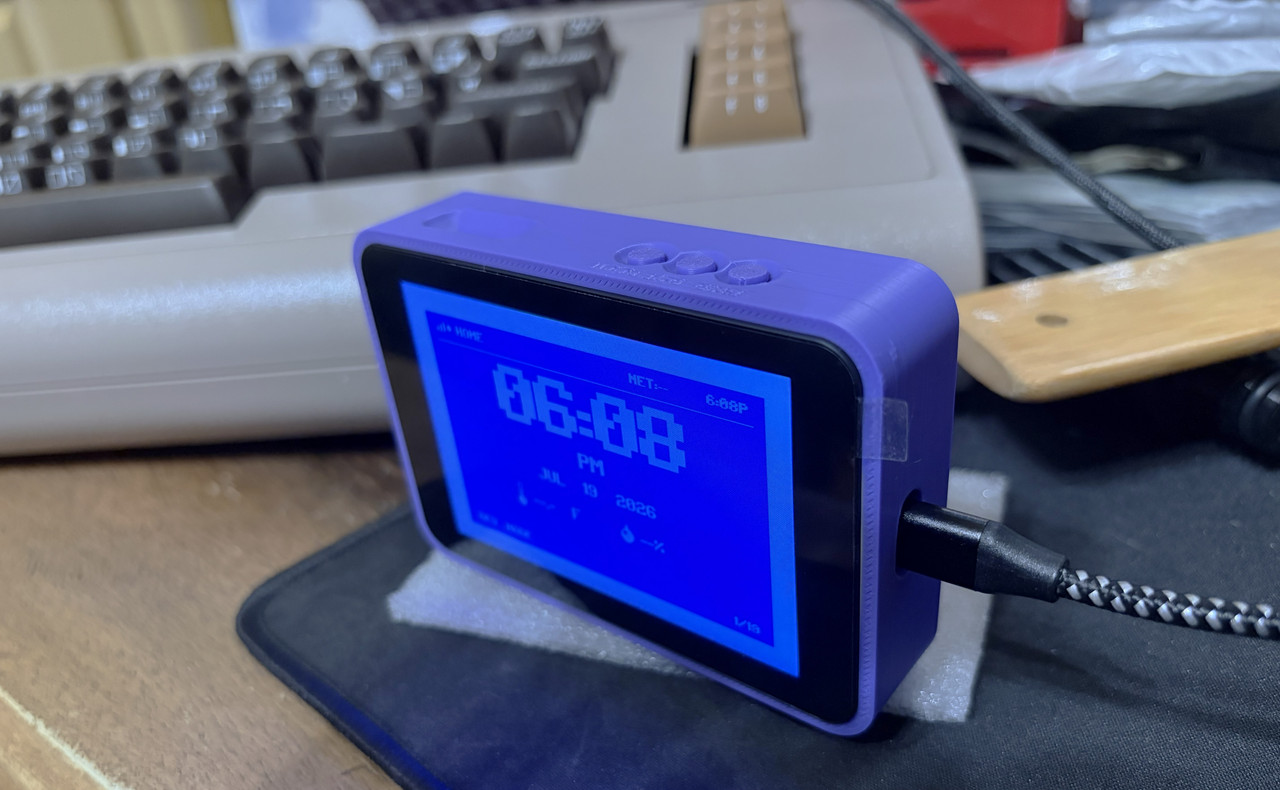
Here are a few shots. I 3D printed a case for it, but will probably make a Commodore 64 version at some point. I plan on having a more modern theme on a larger board eventually. Unfortunately I had to take actual photos of the screens because the method I use won't allow for it, but that will change.
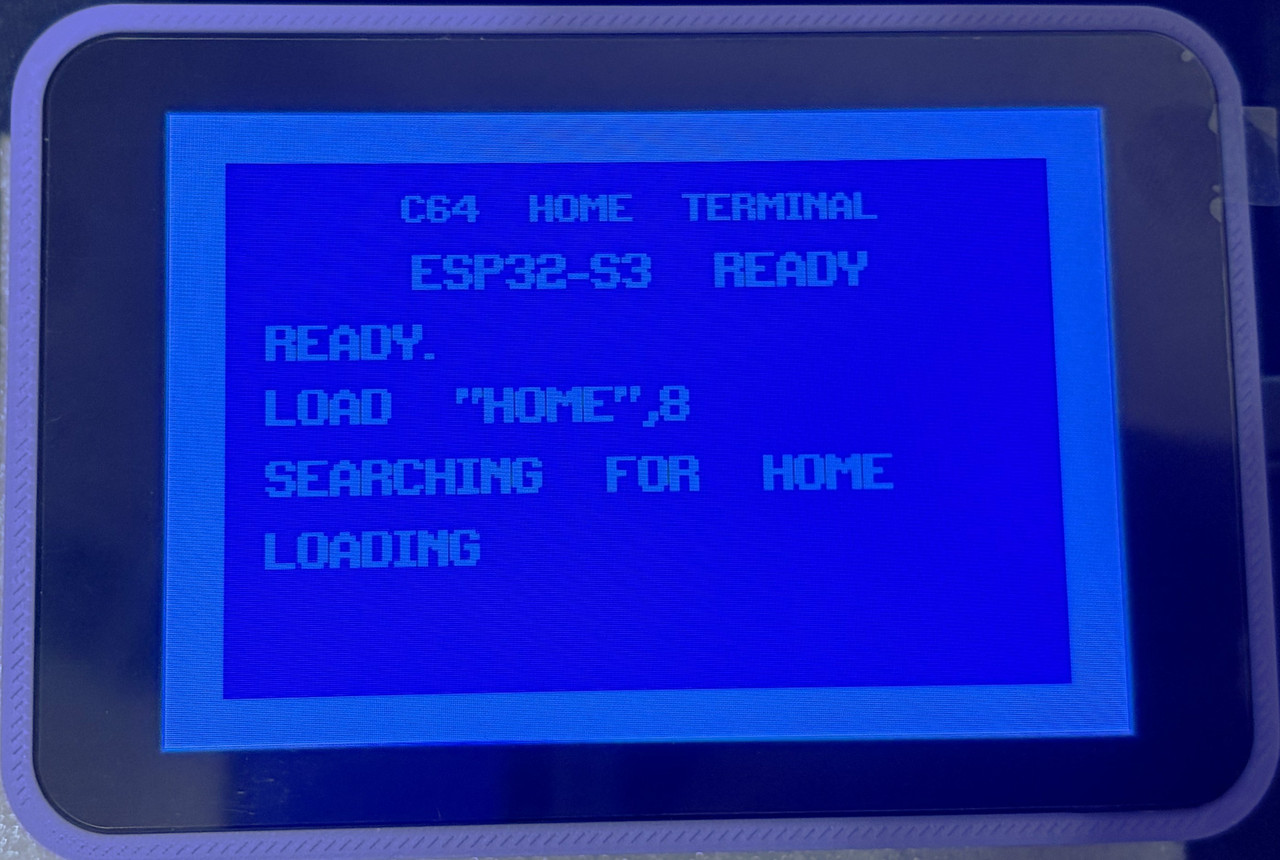
This boot sequence is a head nod to Commodore 64 loading a program.
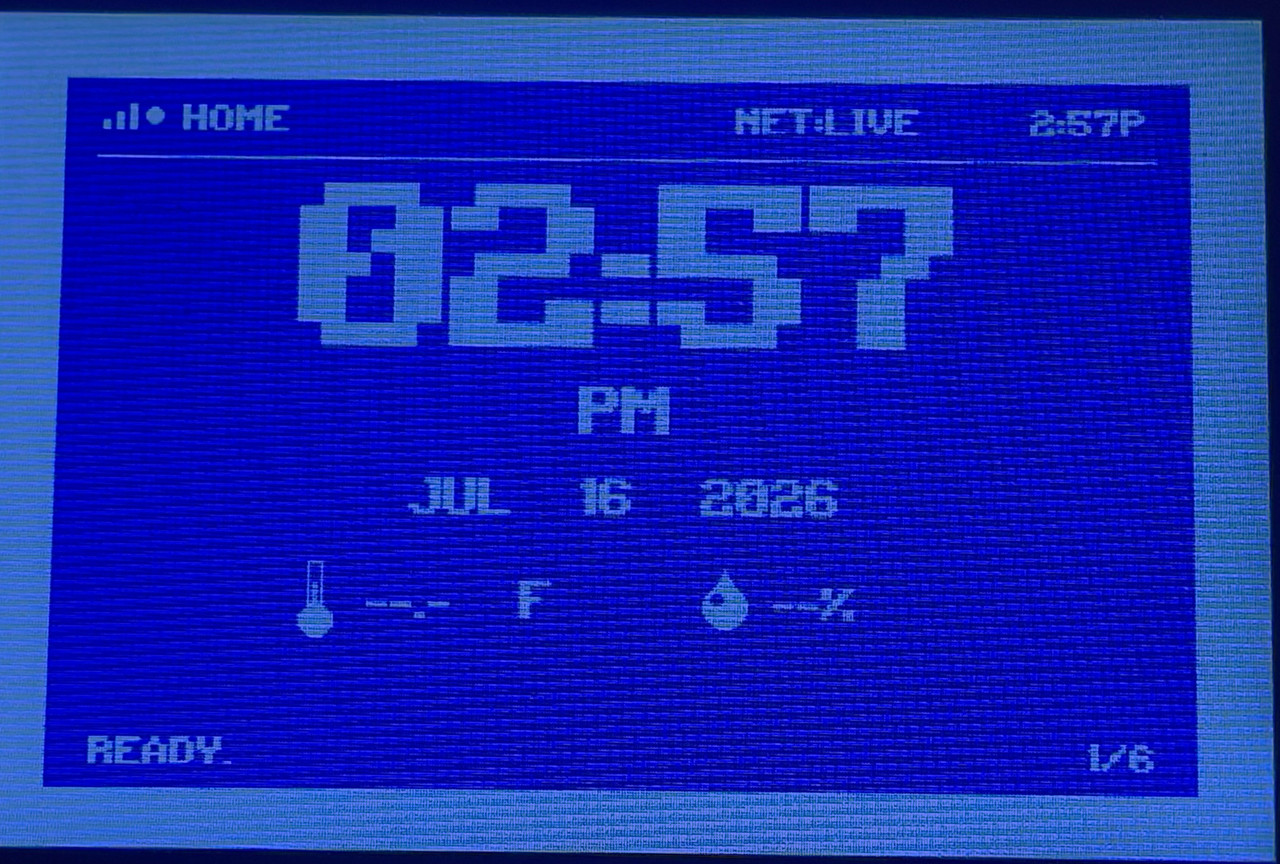
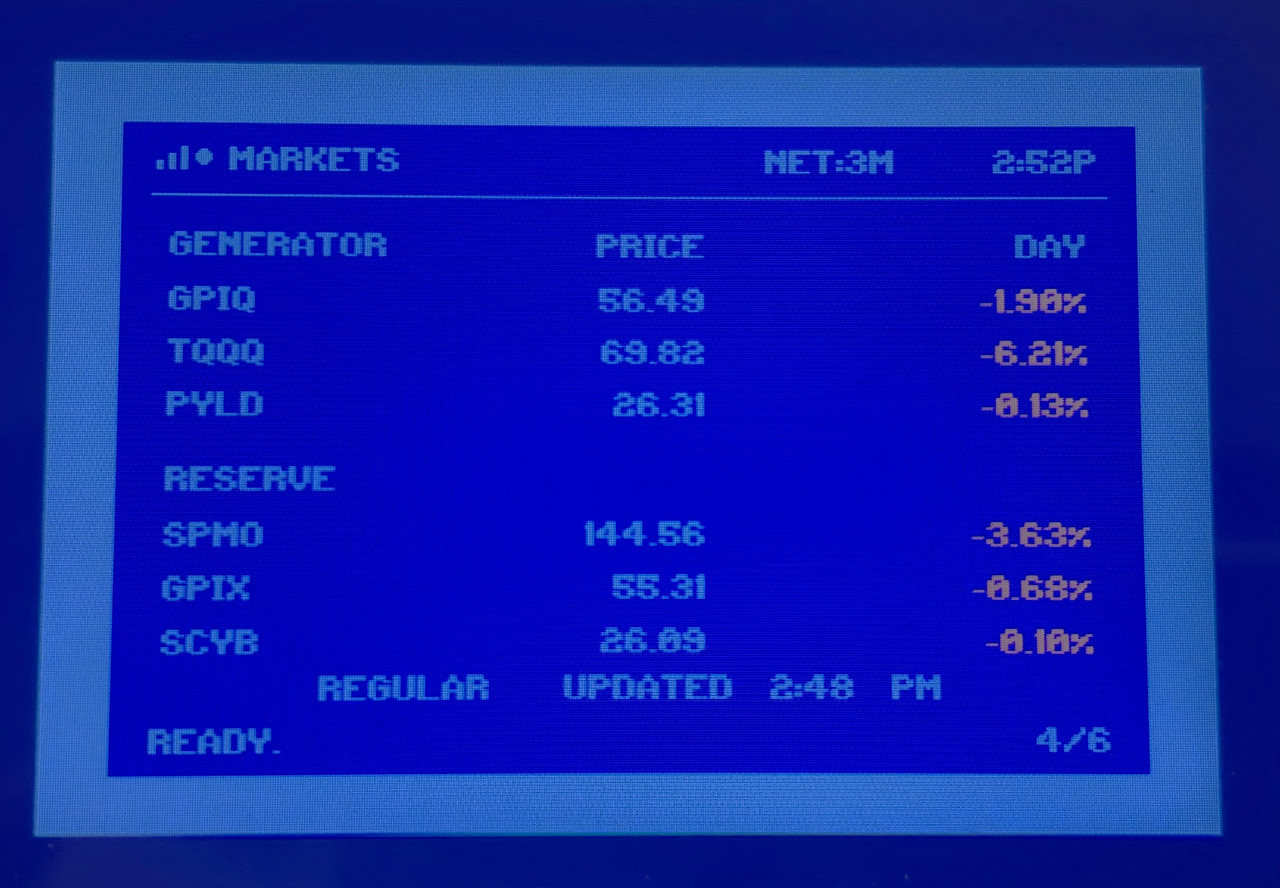
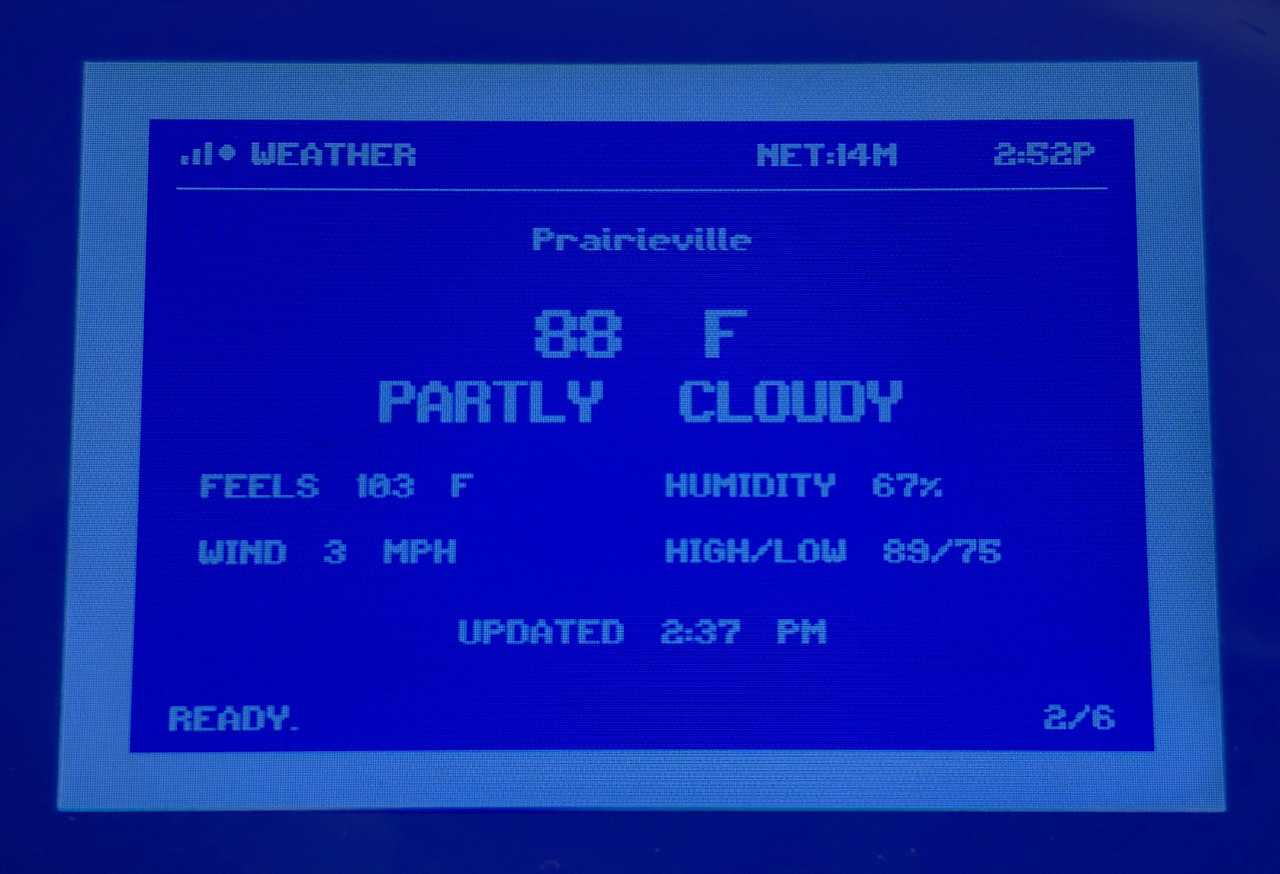
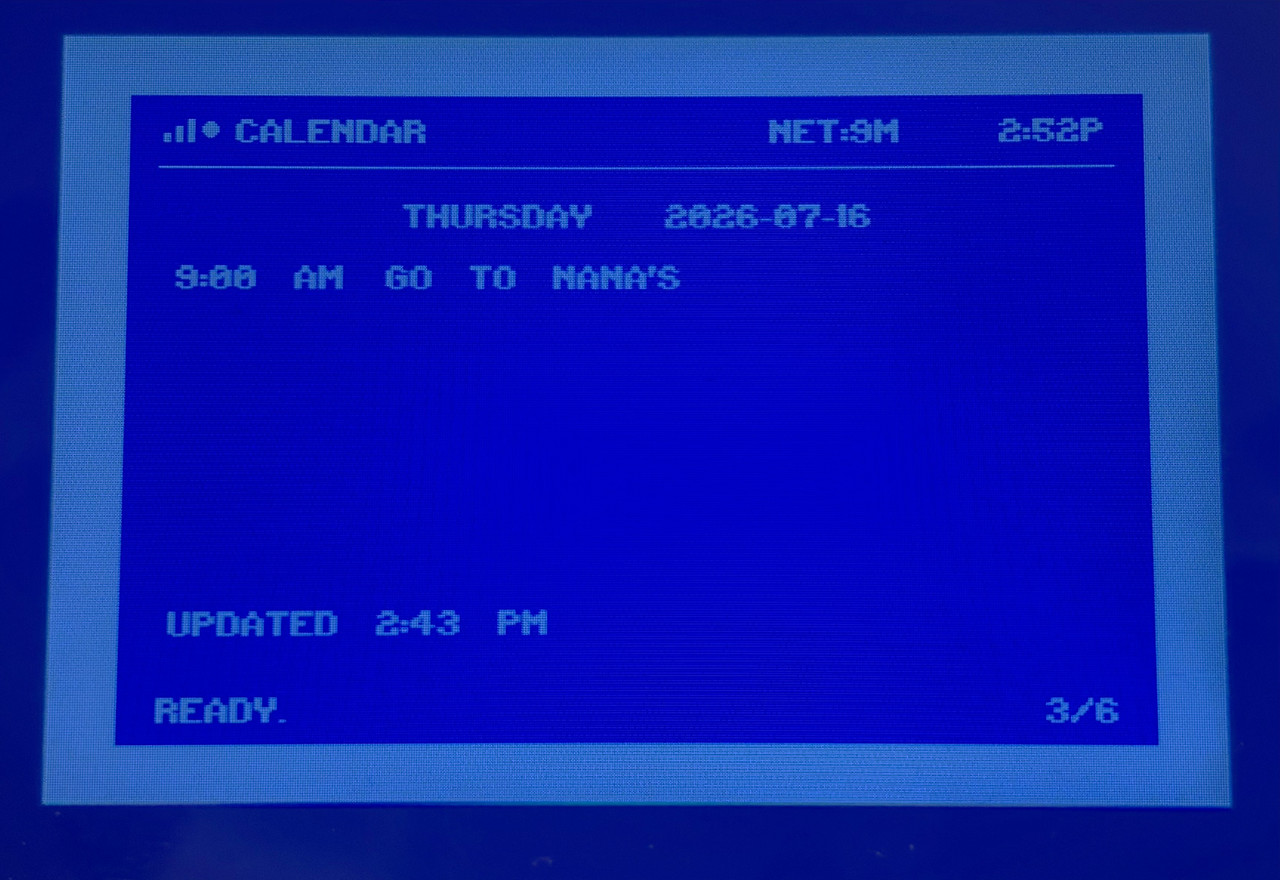
These are more general info type stuff. Clock, some market ETFs, weather forecast, etc. I'm not showing some custom financial calculations I do that tells me specific things about how I invest. The Dividends screen is currently disabled as I incorporated a Developer Mode to cut down on the number of API hits until I get things where I want them.
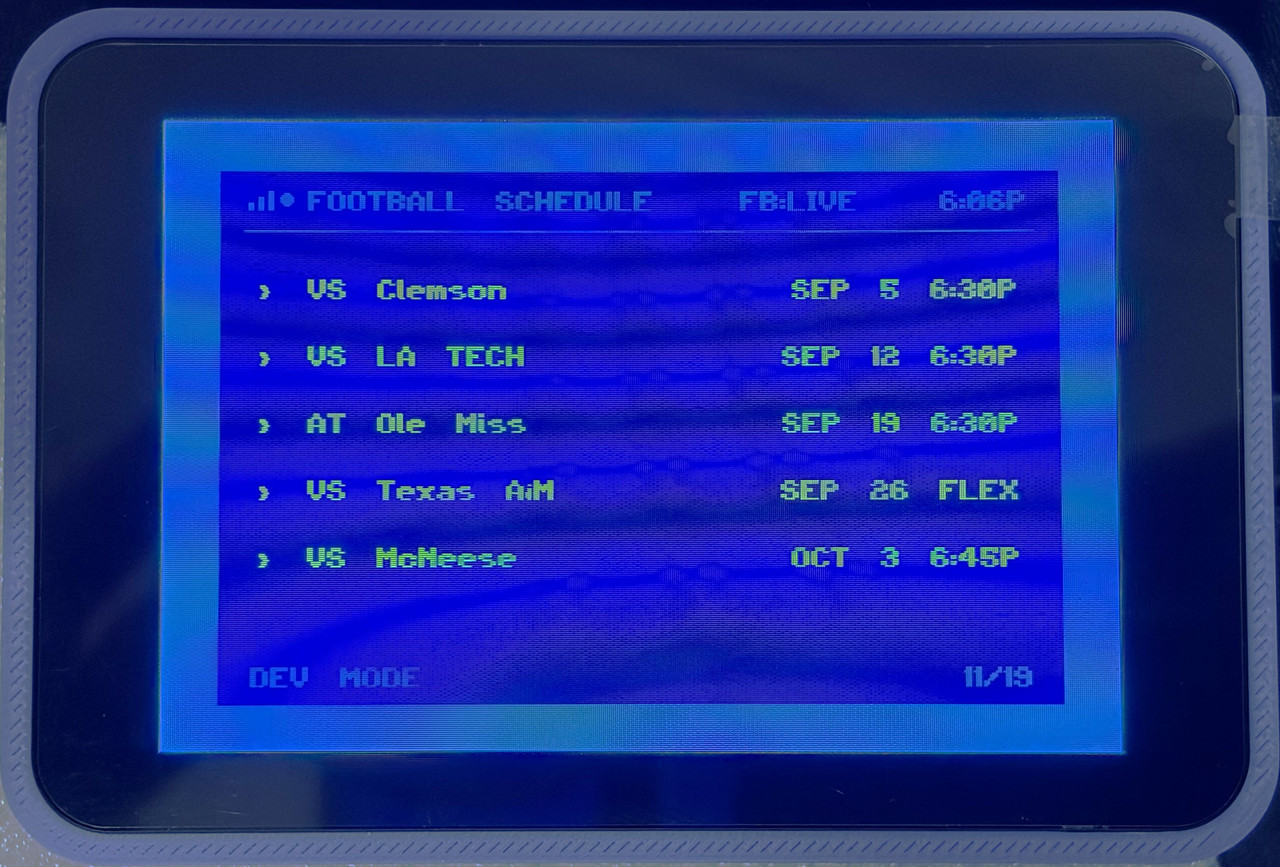
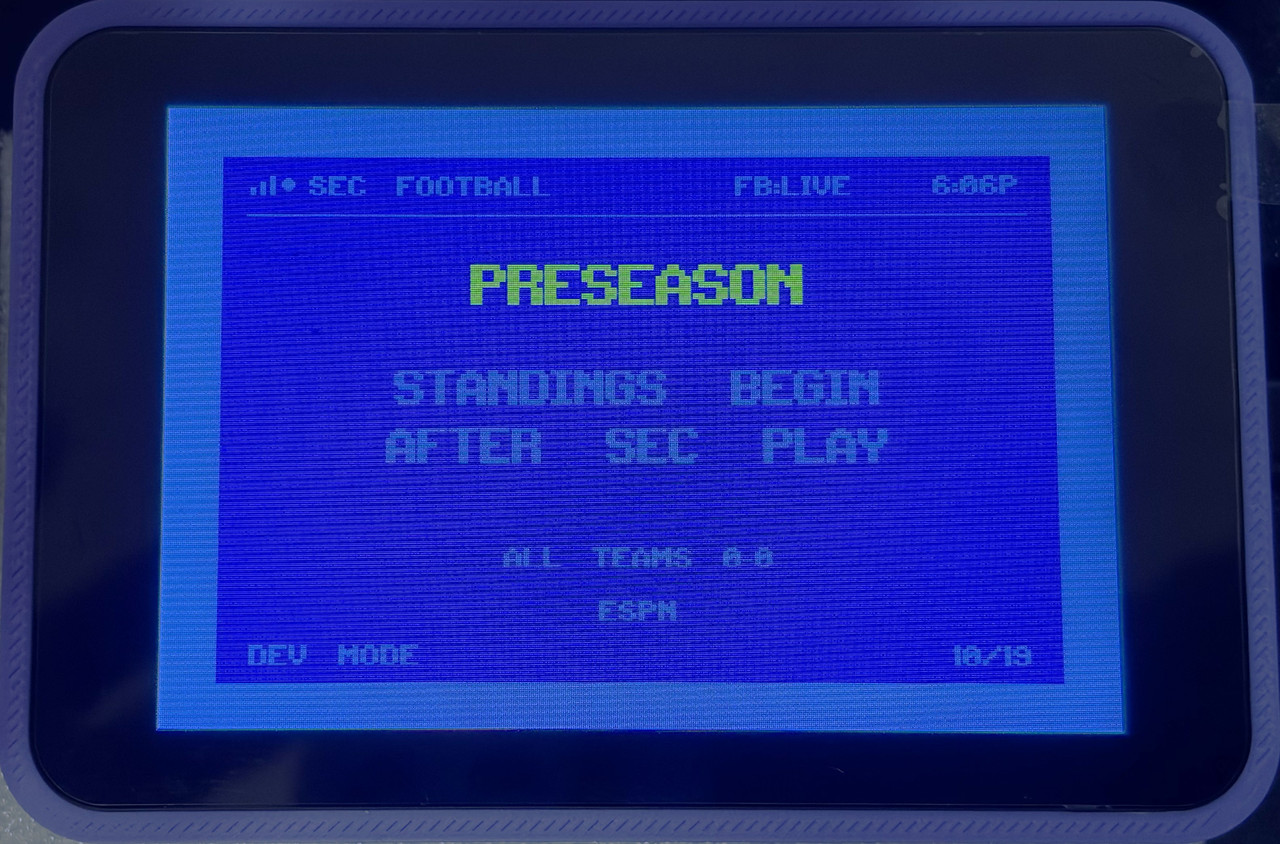
Here's some of the sports screens. The football screens are configured for this season's data (which is why they don't show much). The basketball screens are using both some older data and new as they are still in development. Again, I'm not showing everything.
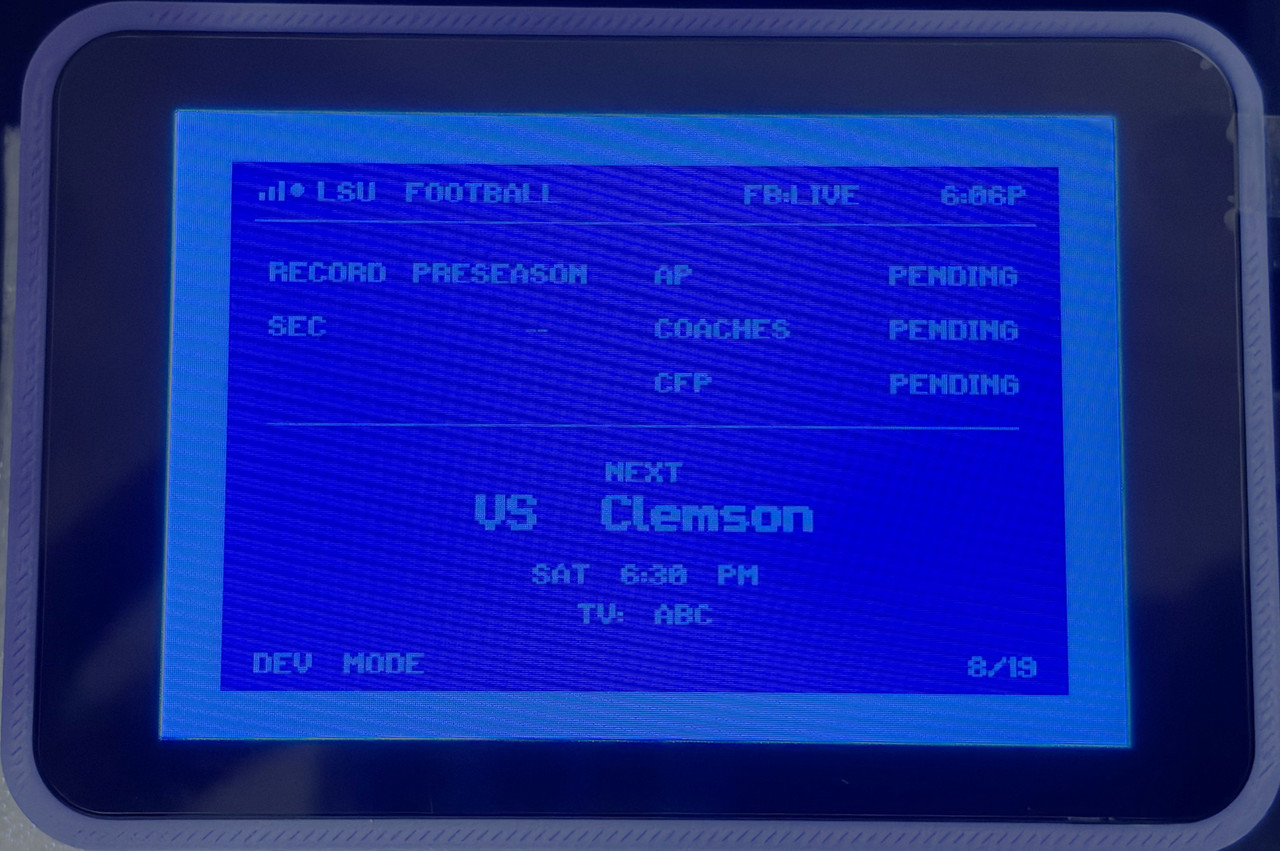
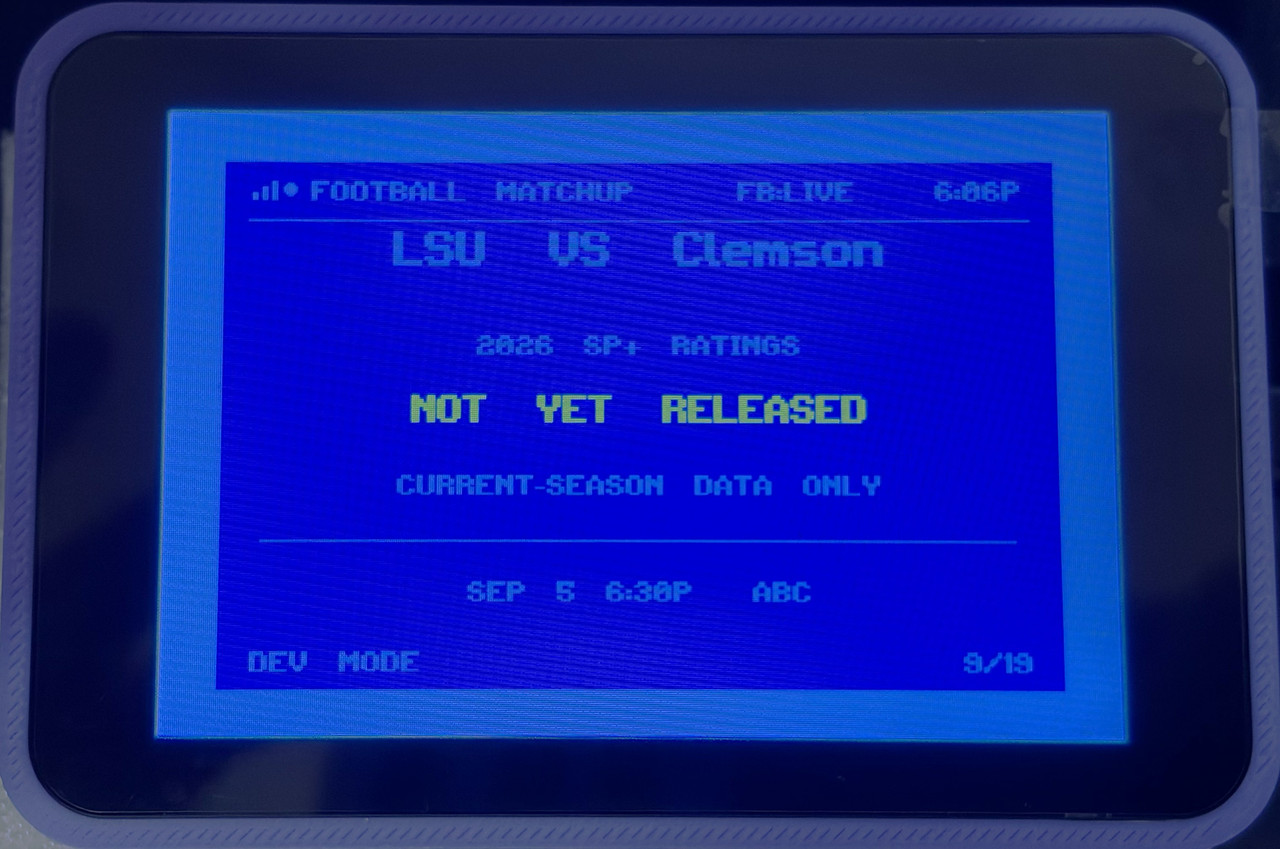
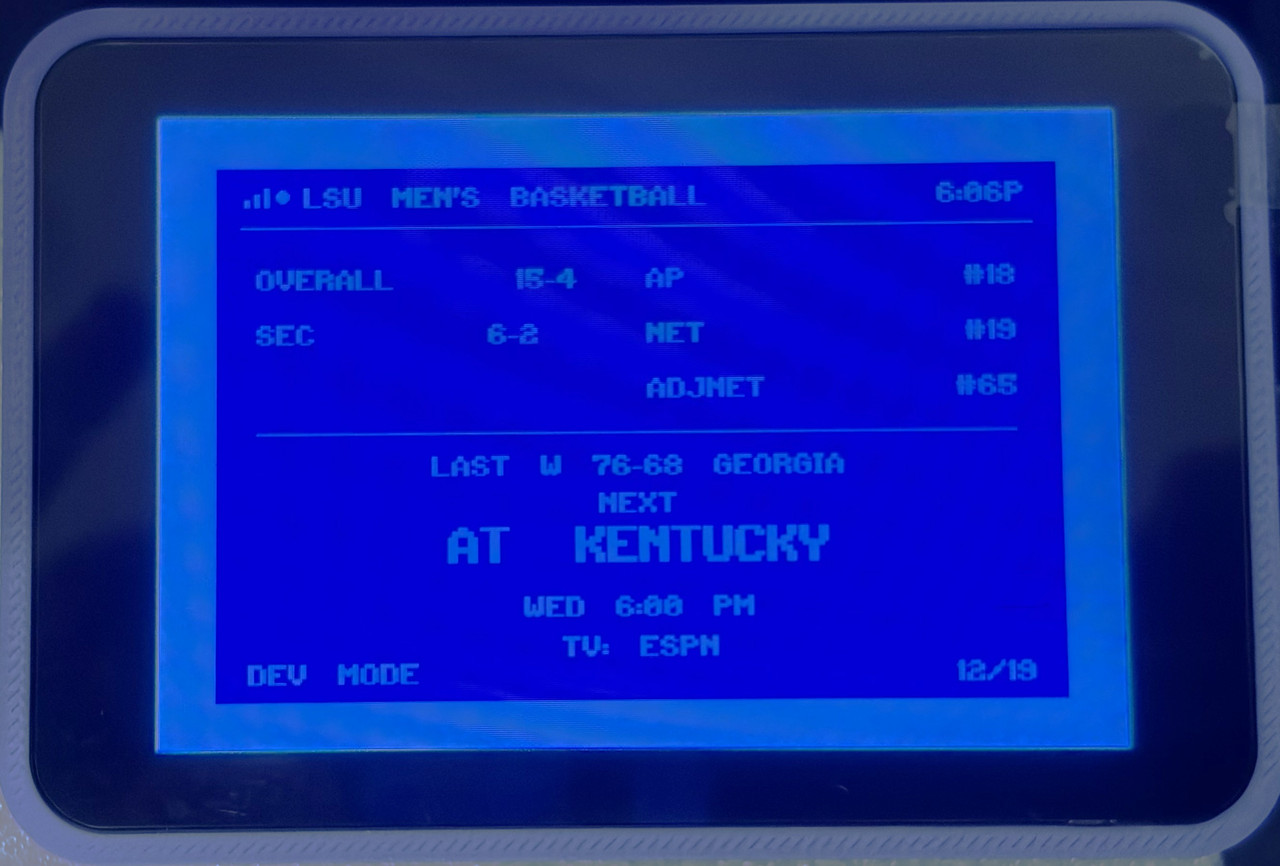
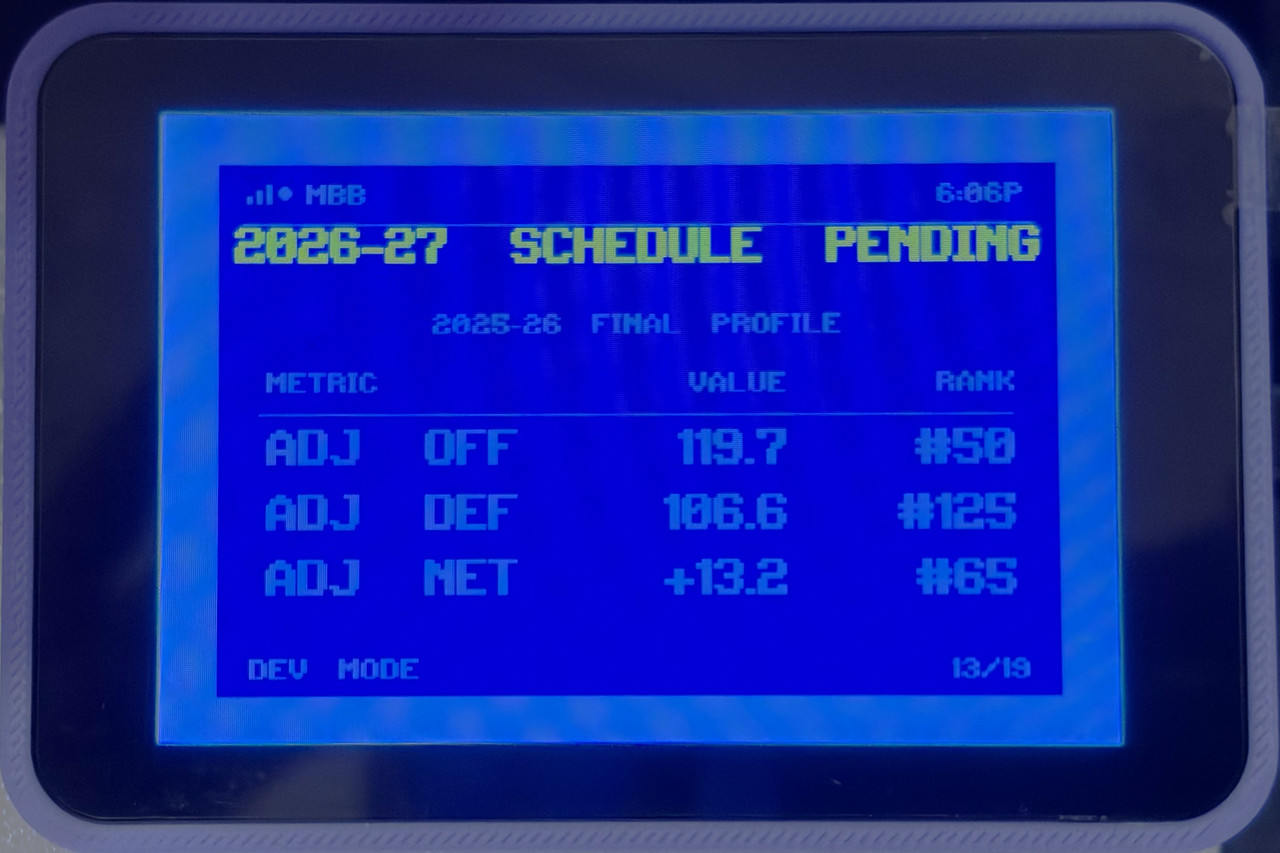
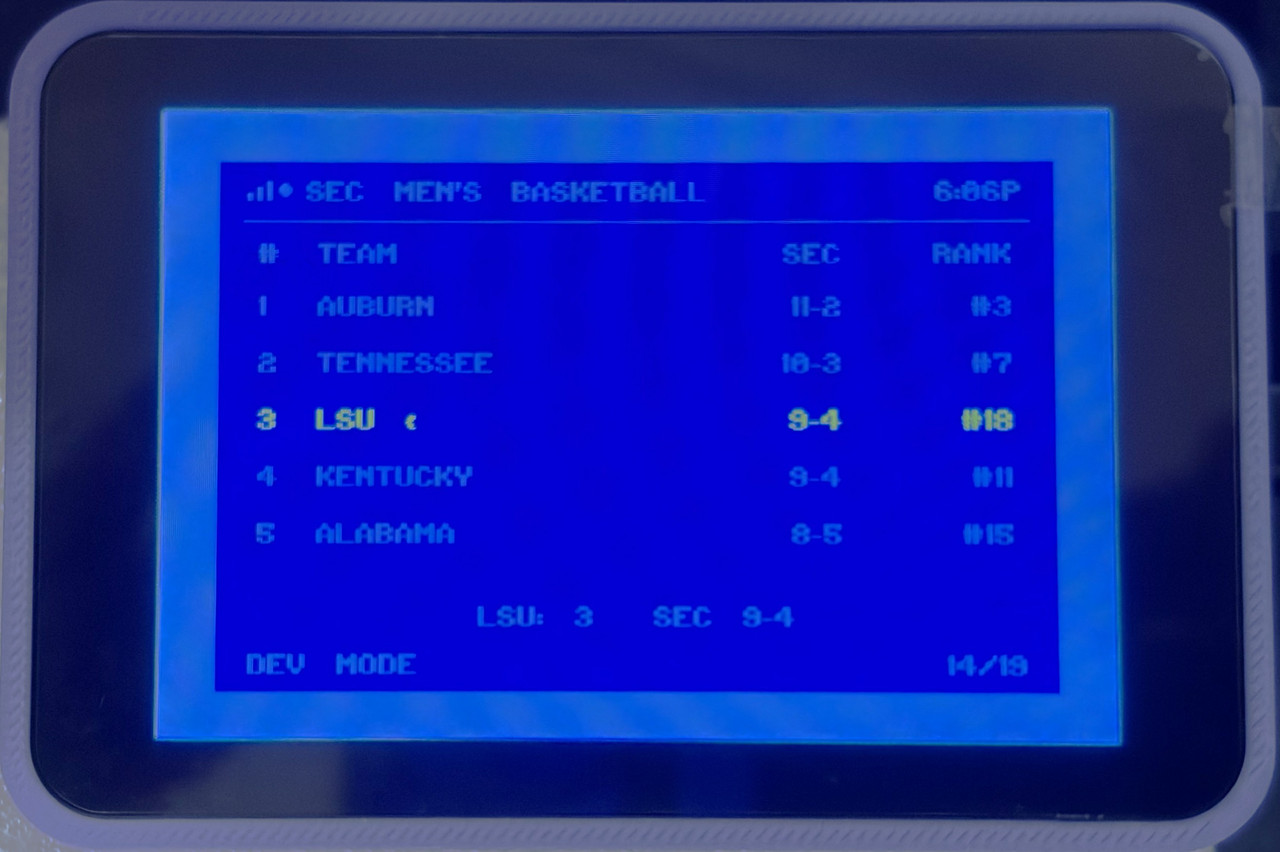
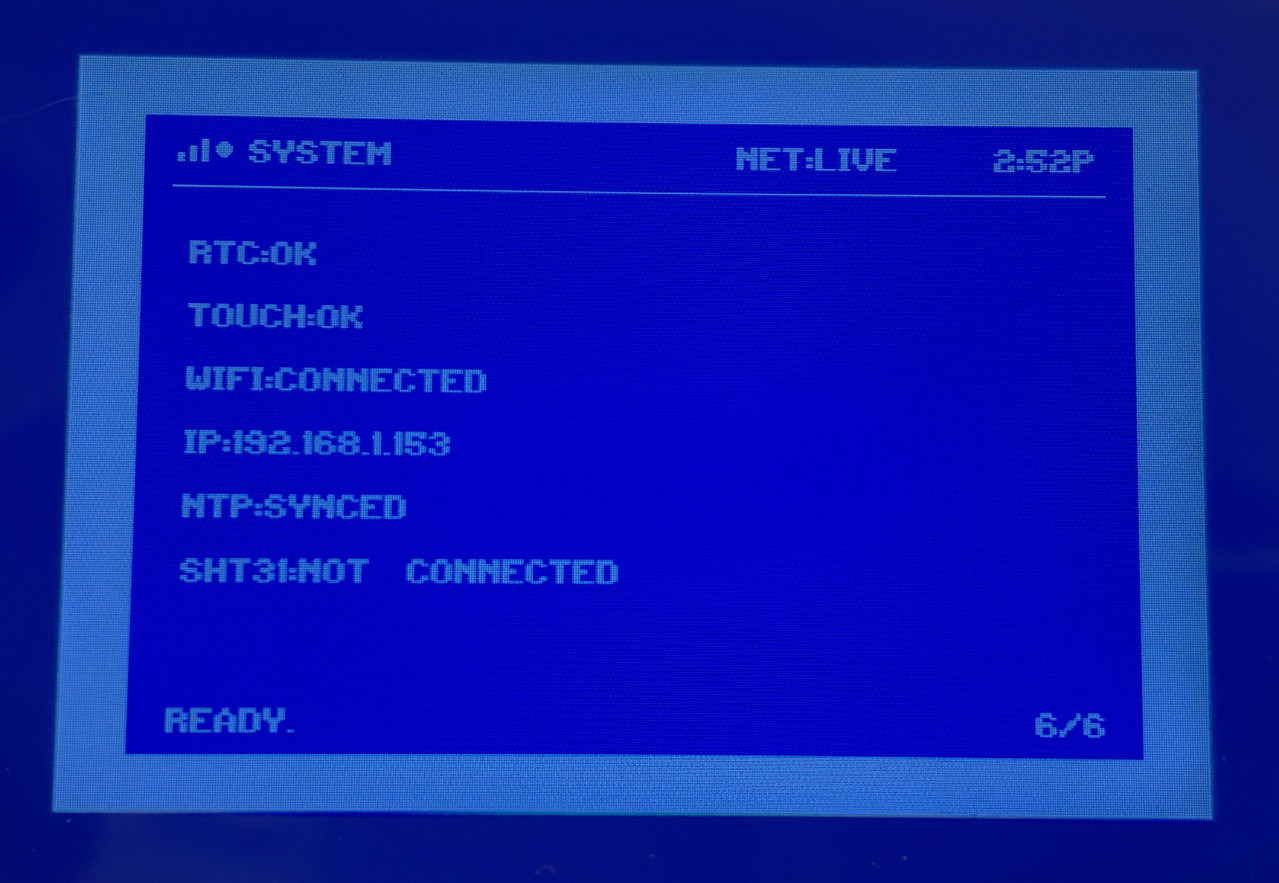
But you get the idea. I just started with Home Assistant and so I have a lot of other things I can pull in, but I may segregate the HA native stuff and just make the ESP32 for custom use as it's much more versatile for providing information for decision-making, etc. Who knows where I'll end up as I'm just learning about HA and some of the screens in the other HA thread are impressive. This is purposefully retro for now.
This boot sequence is a head nod to Commodore 64 loading a program.
These are more general info type stuff. Clock, some market ETFs, weather forecast, etc. I'm not showing some custom financial calculations I do that tells me specific things about how I invest. The Dividends screen is currently disabled as I incorporated a Developer Mode to cut down on the number of API hits until I get things where I want them.
Here's some of the sports screens. The football screens are configured for this season's data (which is why they don't show much). The basketball screens are using both some older data and new as they are still in development. Again, I'm not showing everything.
But you get the idea. I just started with Home Assistant and so I have a lot of other things I can pull in, but I may segregate the HA native stuff and just make the ESP32 for custom use as it's much more versatile for providing information for decision-making, etc. Who knows where I'll end up as I'm just learning about HA and some of the screens in the other HA thread are impressive. This is purposefully retro for now.
This post was edited on 7/19/26 at 6:51 pm

Posted on 7/19/26 at 6:18 pm to RoyalWe
quote:
once I’ve got some time.
Spin up a CLI coding agent and work 10x faster than ChatGPT or if you’re adventurous, you don’t really need to be present. Just put locations and keys in your project and run it as a sudoer. Act mode, approve all. It’ll figure out the rest.

Posted on 7/19/26 at 7:09 pm to Dallaswho
I've been careful about keeping any tokens or keys out of code in Google Apps Script and Arduino IDE's C code. I've segregated and excluded any files from Git scrutiny and just keep example files of sensitive stuff so others could follow. No doubt what you're suggesting would be a wild ride, but I need to learn more about it and see what boundaries I might enforce. I've been really pleased just directing ChatGPT with what I want done and learning the work flow that I'm happy to keep doing that. Maybe once I get comfortable with Cline or other CLIs I'll try something.


Posted on 7/19/26 at 7:22 pm to RoyalWe

This shite is addictive
 what a great project you built.
 I've got chatgpt scouring eBay for me right now for stuff I'm buying for my friend and it's fantastic. Every hour it lets me know what new stuff itfinds and it's opinion on whether or not it's a good deal.
Gives me more time to waste on this site.
Posted on 7/19/26 at 7:34 pm to RoyalWe
Ya I tried using agents in crappy local models a long time ago and it turned me off of them. Big mistake.
Things are really good now though. Something dirt cheap like deepseek v4 flash is totally capable of safe agency. With open router, you can always go to opus or fable if you need more smarts for a task. It’s just alt+m and switch. If already on OAI I think some of their subs support codex which can also command CLi.
Basically use chat bots for questions but coding agents if you want to work on things. “Things” can be reports, contracts, code repos, whatever.
Recommend cline on Linux just because it takes 5 minutes to set up and default settings are near perfect. Claude code is more configurable but I don’t see myself needing that for local stuff I have CLI access to. It’s more to get around enterprise red tape.
Just remember to ask it to use sub agents instead of flooding your context for random code searches.
Things are really good now though. Something dirt cheap like deepseek v4 flash is totally capable of safe agency. With open router, you can always go to opus or fable if you need more smarts for a task. It’s just alt+m and switch. If already on OAI I think some of their subs support codex which can also command CLi.
Basically use chat bots for questions but coding agents if you want to work on things. “Things” can be reports, contracts, code repos, whatever.
Recommend cline on Linux just because it takes 5 minutes to set up and default settings are near perfect. Claude code is more configurable but I don’t see myself needing that for local stuff I have CLI access to. It’s more to get around enterprise red tape.
Just remember to ask it to use sub agents instead of flooding your context for random code searches.


Posted on 7/19/26 at 7:47 pm to RoyalWe
The ESP32 supports MQTT, an easy way to mive data and to trigger events/actions from HomeAssistant as well as other brokers.
Posted on 7/20/26 at 11:10 am to dakarx
quote:I'll look into this. Right now I'm using "packages" on the HA side that create JSON when called by the ESP32. It's working well, though. I've got thermostat-related data from my Ecobees and Synology NAS status information. It worked without a hitch. I'm really impressed with the entire workflow/process and I can easily see myself buying a large touchscreen and developing something either for HA or ESP32 -- or both. I'm sure this is going to encourage me to buy more home automation stuff. This retired nerd is in trouble.
The ESP32 supports MQTT

 Page 1 of 1


Popular
Back to top
 Follow TigerDroppings for LSU Football News