




- My Forums
- Tiger Rant
- LSU Recruiting
- SEC Rant
- Saints Talk
- Pelicans Talk
- More Sports Board
- Fantasy Sports
- Golf Board
- Soccer Board
- O-T Lounge
- Tech Board
- Home/Garden Board
- Outdoor Board
- Health/Fitness Board
- Movie/TV Board
- Book Board
- Music Board
- Political Talk
- Money Talk
- Fark Board
- Gaming Board
- Travel Board
- Food/Drink Board
- Ticket Exchange
- TD Help Board
Customize My Forums- View All Forums
- Show Left Links
- Topic Sort Options
- Trending Topics
- Recent Topics
- Active Topics
Started By
Message

Fark Karate Kyle
Posted on 3/19/11 at 8:10 pm

Posted on 3/19/11 at 8:10 pm
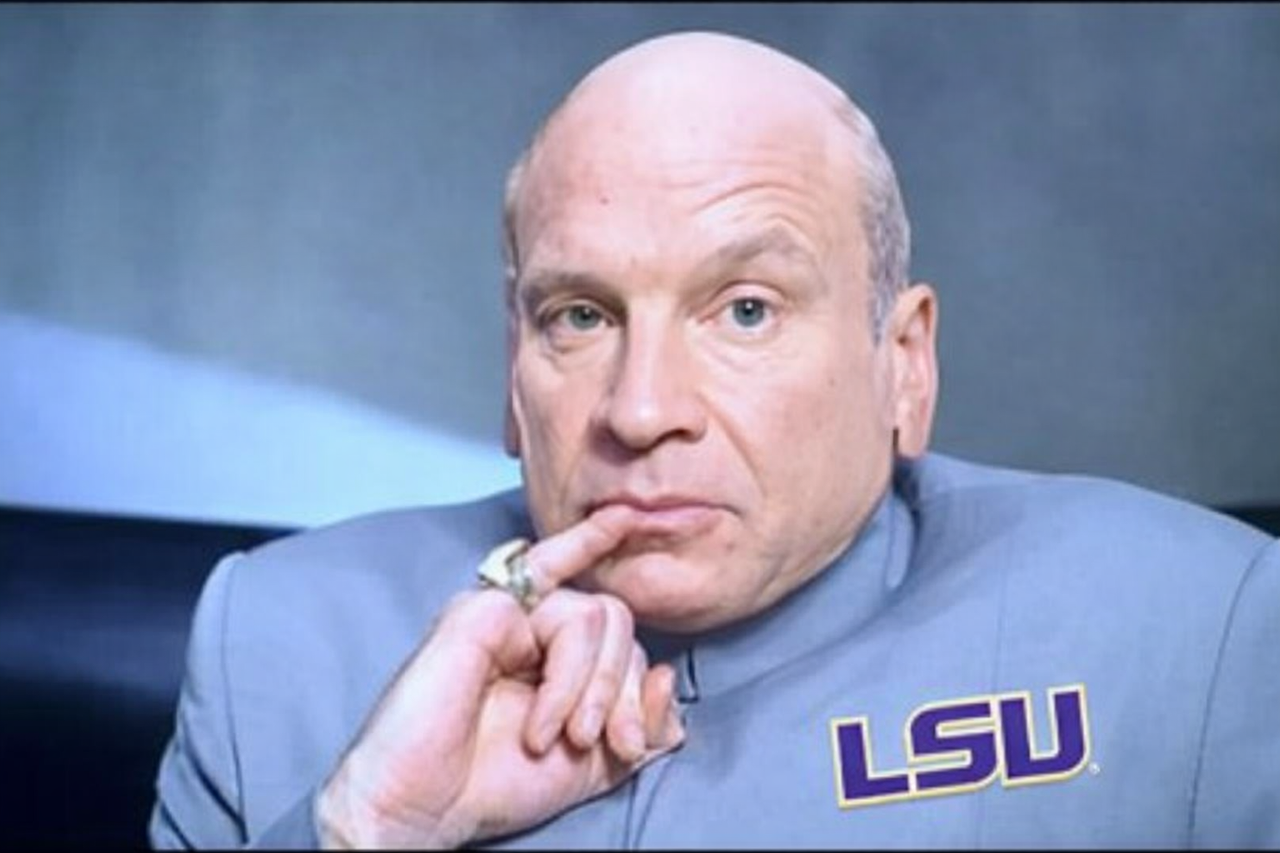
Need purple and gold karate uniform please.
[/URL] Uploaded with [URL=LINK ]ImageShack.us[/URL][/img]
[/URL] Uploaded with [URL=LINK ]ImageShack.us[/URL][/img]
 7
7


Posted on 3/19/11 at 8:16 pm to burgeman


Posted on 3/19/11 at 11:04 pm to burgeman


Posted on 3/19/11 at 11:21 pm to burgeman


Posted on 3/19/11 at 11:44 pm to burgeman

Posted on 3/21/11 at 11:39 am to burgeman
Source pic:


Posted on 3/21/11 at 3:01 pm to burgeman
A poor attempt, but posted in hopes to get an answer to this question:
To anyone who uses GIMP:
What's the best way to select things around the edges for colorizing (when I try to use scissors, I can't select the bottom right/left edges to change the red to purple).


Posted on 3/21/11 at 3:31 pm to Hopeful Doc
Posted on 3/21/11 at 3:32 pm to Hopeful Doc
I use Paint.net and this doesn't answer your question, but this is not how I would personally edit this image.
I would make a copy of the entire layer and change the hue and saturation until the red matched the purple. The only problem is the rest of the image is now also a purple tint. I then would use the transparency gradient to carefully erase the face, hands and background. Then the original layer will be visible.
The way you are doing it will take quit a bit of masking and a lot of work if you are inclduding the background uniform.
The only problem with my method is it is very difficult to get yellows to match correctly and appear as if they weren't 'shoped.
I would make a copy of the entire layer and change the hue and saturation until the red matched the purple. The only problem is the rest of the image is now also a purple tint. I then would use the transparency gradient to carefully erase the face, hands and background. Then the original layer will be visible.
The way you are doing it will take quit a bit of masking and a lot of work if you are inclduding the background uniform.
The only problem with my method is it is very difficult to get yellows to match correctly and appear as if they weren't 'shoped.
Posted on 3/21/11 at 11:15 pm to timdallinger
quote:
timdallinger

That does seem like a much easier way of going about it. I was cutting the original into 7 or . so different layers and was pasting them back into each other after I adjusted them. I was going to try touch it up a bit more, but the not being able to select corners was bothering me, and I had to leave
Posted on 3/22/11 at 9:25 am to Rattlehead
Winner. 

 Page 1 of 1


Popular
Back to top
 Follow TigerDroppings for LSU Football News